Gemini Notebook adds feature to build interactive websites from sources
Google's Gemini Notebook, formerly NotebookLM, can now generate an interactive website from uploaded sources such as PDFs, images, links and text. The feature is live on desktop for users aged 18 and older, with a mobile app version coming soon. Users type "make me a site" in the chat box, and the service creates clickable sections, flash cards and quizzes. Google also suggests project trackers and sales dashboards as possible uses. The article warns that the AI may hallucinate or confidently misstate facts, citing the Oort cloud as an example.
Main event
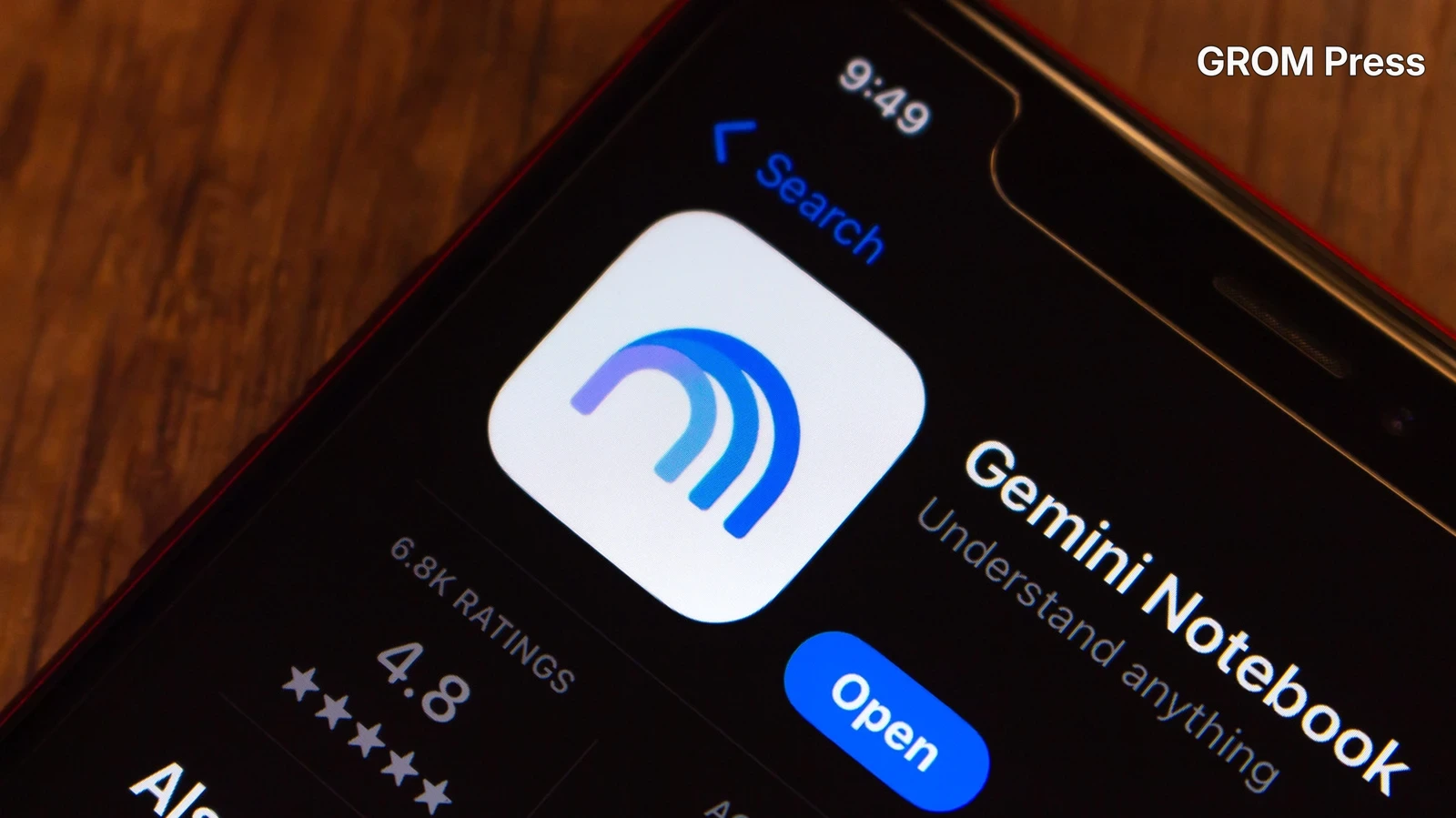
Google has launched a new feature in Gemini Notebook that turns research sources into an interactive website. The service, previously known as Google NotebookLM and described by the company as a deep research tool, now lets users generate a site with clickable sections, flash cards and quizzes based on their uploaded materials.
How it works
To create a site, a user opens Gemini Notebook on the web, clicks New Notebook or Create notebook, and uploads sources. Supported sources include PDFs and images from a device or Google Drive, website links, open source textbooks, books from the Play store, and copied text such as notes or emails. In the chat box, the user types "make me a site" together with instructions for what the service should create. If no sources are uploaded, Gemini Notebook offers to perform a web search instead. When the site is ready, it appears in the Studio panel on the right-hand side of the screen and can be loaded by clicking its tab.
Read the full story on GROM.PRESS
Source: GROM.PRESS